
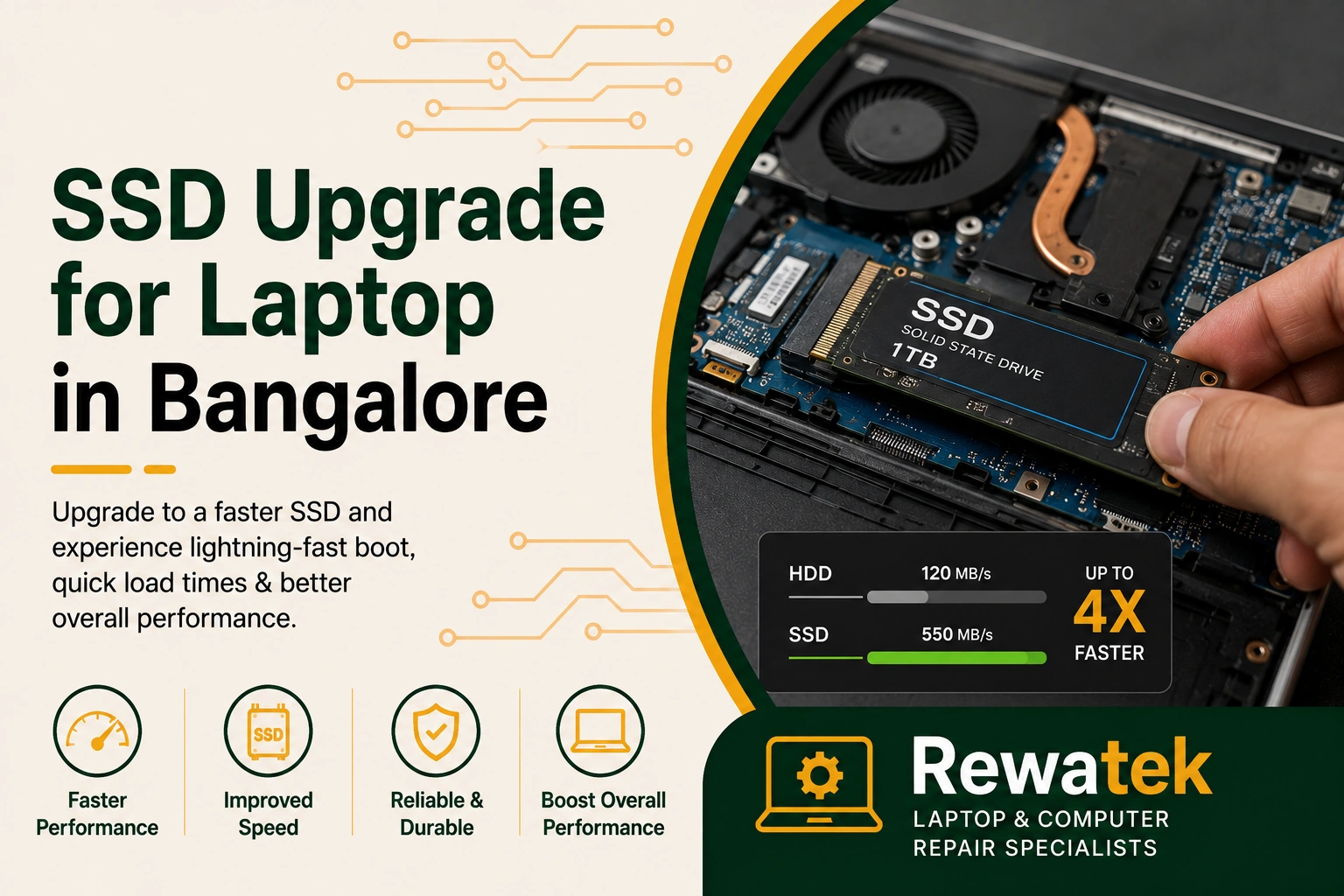
A slow laptop can make everyday work, study and entertainment frustrating. Long startup times, slow application loading and sluggish file transfers can be signs that the existing storage is limiting laptop performance. Upgrading to an SSD can provide faster storage performance and improve the overall responsiveness of a compatible laptop.
Laptop performance can be affected by an older hard drive, limited storage performance or a storage device that is becoming slow or unreliable. If you are considering an SSD upgrade for your laptop, it is important to check the laptop model and storage compatibility before selecting an upgrade.
A professional assessment can help determine whether your laptop supports an SSD upgrade and identify a compatible SSD based on the laptop model, storage interface and available specifications.
An SSD upgrade can improve storage responsiveness and reduce the time required for tasks such as starting the operating system, opening applications and accessing files. The actual improvement can depend on the laptop hardware, existing storage device and type of SSD installed.
Before upgrading, it is important to check whether the laptop uses a 2.5-inch SATA drive, M.2 SATA SSD or an NVMe-compatible storage interface. Checking compatibility helps ensure that the selected SSD fits the laptop and works correctly with its hardware.
Common Signs Your Laptop Needs an SSD Upgrade
Slow startup, long application loading times, sluggish file transfers and generally slow system responsiveness can indicate that an older storage device is affecting laptop performance. Upgrading from a traditional hard drive to an SSD can provide faster storage performance on compatible laptops.
Some laptops may also experience slow performance when the existing storage device is ageing or becoming unreliable. A proper assessment can help determine whether an SSD upgrade is suitable or whether another hardware or software issue is affecting performance.
Checking the laptop model and existing storage configuration before an upgrade helps determine the supported SSD type, interface and storage capacity for a compatible installation.
Benefits of an SSD Upgrade for Your Laptop
An SSD upgrade can provide faster storage access, quicker system startup, faster application loading and improved file transfer performance. Replacing an older hard drive with a compatible SSD can make everyday laptop use feel more responsive.
The performance improvement depends on the laptop's processor, memory, storage interface and type of SSD selected. Choosing the correct SSD and installing it properly helps ensure that the upgrade is compatible with the laptop and provides reliable storage performance.
An older hard drive can make a laptop slow to start, load applications and access files, making an SSD upgrade a useful performance improvement for compatible laptops.
Slow startup, long application loading times and sluggish file transfers can indicate that the existing storage is limiting laptop performance.
Upgrading to a compatible SSD can provide faster storage access, quicker system startup and improved everyday laptop responsiveness.
A professional assessment can help identify whether your laptop supports a SATA, M.2 SATA or NVMe SSD and determine the appropriate storage upgrade.
Professional laptop SSD installation helps ensure the selected drive is compatible with your laptop and installed correctly for reliable storage performance.
How Laptop SSD Upgrade Works
The laptop SSD upgrade process begins by checking the laptop model, existing storage device and supported storage interface. This helps determine whether the laptop supports a SATA SSD, M.2 SATA SSD or NVMe SSD and which upgrade option is compatible.
Once compatibility is confirmed, the appropriate SSD can be selected based on the laptop's storage requirements and supported specifications. The existing storage can then be replaced or upgraded, with data transfer or operating system installation carried out when required.
After installation, the new SSD is checked to ensure that it is detected correctly and operates normally. A professional laptop SSD upgrade can help improve storage responsiveness and provide faster everyday performance on compatible laptops.
Laptop Brands We Support for SSD Upgrade
SSD upgrades can be performed on many different laptop brands and models. Rewatek can help identify compatible SSD options based on your laptop model, existing storage and supported interface.
We provide laptop SSD upgrade support for HP, Dell, Lenovo, ASUS, Acer, MSI, Samsung, Toshiba and other compatible laptop models. Before upgrading, the exact laptop model and storage configuration should be checked to select the appropriate SSD.
Different laptop models may support different storage formats and interfaces. Checking these specifications before installation helps ensure that the selected SSD is compatible and provides reliable storage performance.
Choosing the Right SSD for Your Laptop
Laptop SSDs are available in different form factors, interfaces, capacities and performance levels. Choosing the right SSD is important for ensuring compatibility with your laptop and getting the expected storage performance from the upgrade.
Before upgrading a laptop to an SSD, it is important to check the exact laptop model and existing storage specifications. Factors such as SSD form factor, storage interface, capacity and compatibility help ensure that the selected SSD works correctly with your laptop.
Choosing the correct SSD can help improve startup speed, application loading and overall storage responsiveness. Checking compatibility before installation also helps ensure the SSD fits correctly and operates reliably with your laptop.
Laptop SSD Upgrade Cost in Bangalore
The cost of an SSD upgrade for a laptop in Bangalore can vary depending on the laptop brand, model, SSD type, storage capacity, interface and availability of a compatible SSD.
Different laptop models support different SSD formats and storage interfaces. Before upgrading, the laptop model and existing storage configuration should be checked to identify the correct SSD and provide an appropriate upgrade cost.
Rewatek can inspect your laptop, check the supported storage configuration and help determine a suitable SSD upgrade option based on your device and storage requirements.
SSD Upgrade for Laptop in Bangalore and Nearby Areas
If you are looking for an SSD upgrade for your laptop in Bangalore, professional assessment can help identify the supported storage type and determine the right SSD upgrade solution for your laptop. Proper compatibility checks help ensure reliable storage performance after installation.
Whether your laptop has a slow hard drive, long startup times, sluggish application loading or slow file transfers, an SSD upgrade may help improve storage responsiveness on compatible laptops. A careful assessment can also identify whether another hardware or software issue is affecting performance.
Choosing a compatible SSD is important for achieving reliable performance after the upgrade. The laptop model, storage interface, SSD form factor, capacity and compatibility should be checked before selecting the appropriate SSD.