
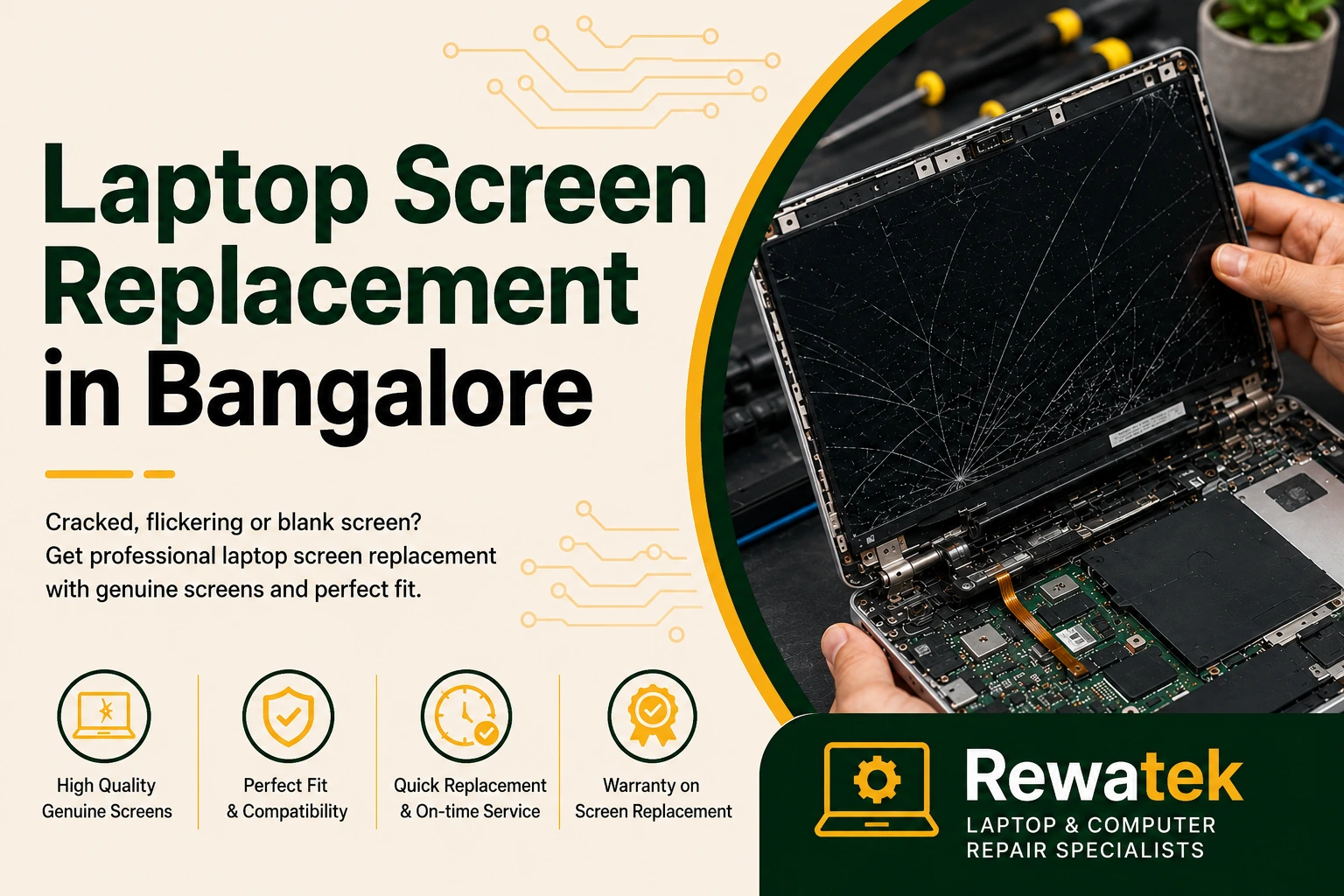
A damaged laptop screen can make everyday work, study and entertainment difficult. Cracks, flickering, lines, black spots or a completely blank display may indicate that the screen needs professional inspection or replacement. Choosing the correct replacement screen is important for restoring clear and reliable display performance.
Laptop screen problems can occur after accidental damage, pressure on the display, internal hardware issues or normal wear over time. Proper diagnosis can help identify the cause of the problem and ensure that the replacement display is compatible with your laptop model.
Professional inspection can help determine whether your laptop needs a screen replacement and ensure that a compatible display is selected for reliable performance.
Professional diagnosis can help determine whether the problem is limited to the display panel or involves another component, such as the display cable or graphics system. This helps identify the right repair solution for your laptop.
Common Laptop Screen Problems
Laptop screen problems can include cracks, flickering, lines, black spots, dead pixels and blank displays. Identifying the cause of the issue helps determine whether laptop screen repair, display replacement or complete screen replacement is the right solution.
Some laptop screen issues may develop gradually, while others can occur suddenly after accidental damage or pressure on the display. Early inspection can help identify the cause and prevent further problems with the screen or related components.
A proper assessment of the laptop model and display specifications is also important before choosing a replacement screen. This helps ensure that the selected display is compatible with your laptop and provides reliable screen performance.
Signs Your Laptop Screen May Need Replacement
A cracked screen is not the only sign of a display problem. Flickering, lines, black spots, dead pixels, discolouration or a completely blank display can indicate that your laptop screen may need professional inspection or replacement.
Screen issues can sometimes be caused by a loose display connection or another internal fault rather than the screen itself. A proper inspection helps identify the cause and determine whether laptop screen replacement is the right solution.
Cracked or broken laptop screens can affect visibility and make everyday work, study and entertainment difficult.
Flickering, lines, black spots or dead pixels can indicate that the laptop display needs professional inspection.
Choosing a compatible replacement screen is important for restoring clear display quality and reliable everyday use.
A professional inspection can help identify whether the problem is with the screen panel, display cable or another component.
Professional laptop screen replacement can help restore clear visibility and make your device comfortable to use again.
How Laptop Screen Replacement Works
The laptop screen replacement process begins by identifying the cause of the display problem. Once the issue is confirmed, a compatible replacement screen can be selected based on the laptop model and display specifications.
The damaged screen is carefully removed, and the replacement display is installed using compatible parts. After installation, the display is tested to check brightness, image quality and normal screen operation.
Professional laptop screen replacement helps ensure that the correct display is selected and installed carefully, helping restore reliable screen performance for everyday use.
Laptop Brands We Support for Screen Replacement
Laptop screen replacement may be required for different brands and models. Rewatek can help identify compatible replacement options based on the laptop model and display specifications.
We provide laptop screen replacement support for HP, Dell, Lenovo, ASUS, Acer, MSI, Samsung, Toshiba and other compatible laptop models. Before replacing the screen, the exact laptop model, screen size, resolution and connector type should be checked to ensure the correct replacement display is selected.
Different laptop brands and models may use specific display panels and connector configurations. Checking these details before installation helps ensure the replacement screen is compatible and provides reliable display performance.
Choosing the Right Replacement Screen
Laptop screens are available in different sizes, resolutions, panel types and connector configurations. Choosing the correct replacement screen is important for compatible laptop screen replacement and reliable display performance.
Before replacing a laptop screen, the exact model and display specifications should be checked. Factors such as screen size, resolution, connector type and panel compatibility help ensure the replacement display works correctly with the laptop.
Using the correct replacement screen can help maintain proper brightness, resolution and overall display quality. Checking compatibility before installation also helps ensure reliable performance and a proper fit.
Laptop Screen Replacement in Bangalore and Nearby Areas
If you are looking for laptop screen replacement in Bangalore, professional inspection can help identify the display issue and determine the right replacement solution for your laptop. Proper diagnosis and compatible parts help restore clear and reliable screen performance.
Whether your laptop screen is cracked, flickering or completely blank, a careful assessment can help identify the cause of the problem. This makes it easier to determine whether the issue requires screen repair, display replacement or another type of hardware service.
Choosing a compatible replacement screen is important for maintaining proper display quality and reliable performance. The laptop model, screen size, resolution and connector type should be checked before selecting the appropriate replacement display.